

ampliflare

Status pages

Status pages

Publish a branded status page on your own domain, powered by your uptime monitors. Keep customers informed automatically — with no extra token permissions.

Get started free No credit card required.

Give your customers a single place to check whether your services are up. Status pages are powered by your uptime monitors — attach the monitors you want to show, and the page updates itself.
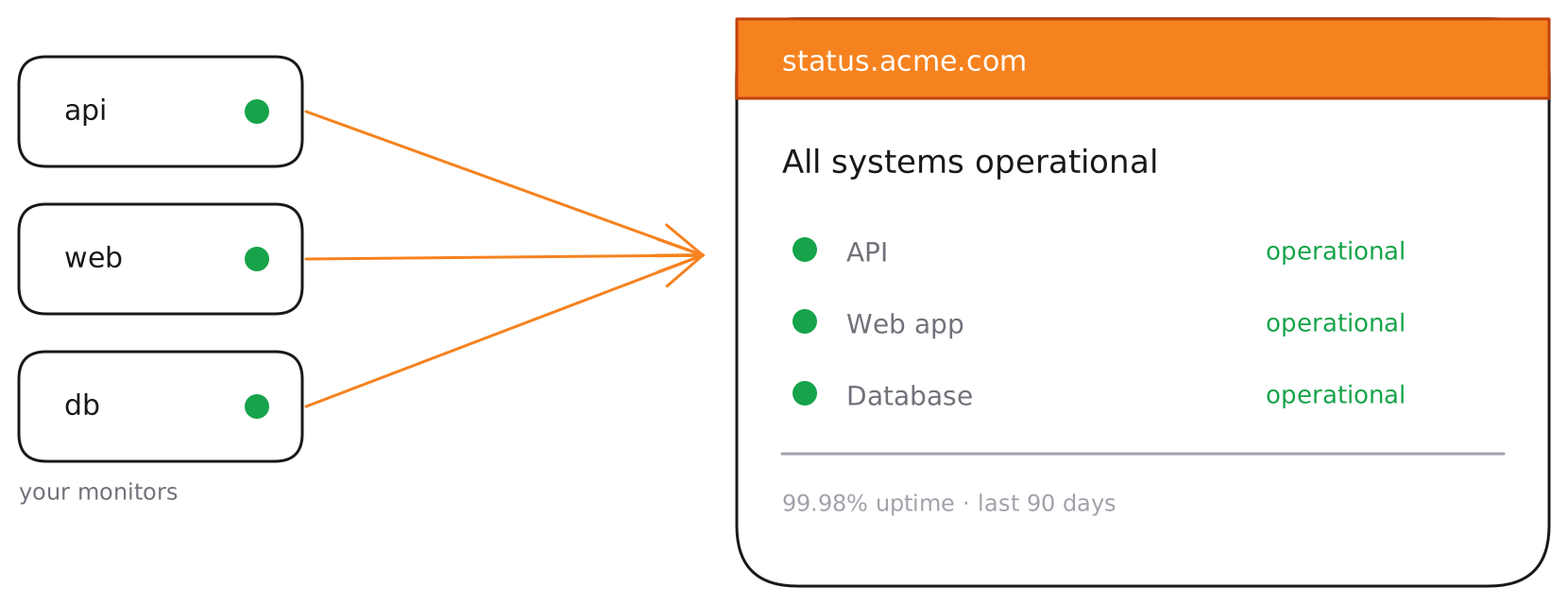
Your private monitors feed a public, branded status page on your own domain, showing each component's status and overall uptime

Build a page

Create a page with a title and a URL slug, then attach the monitors whose status you want to display. On higher plans you can brand it with your logo and an accent colour.
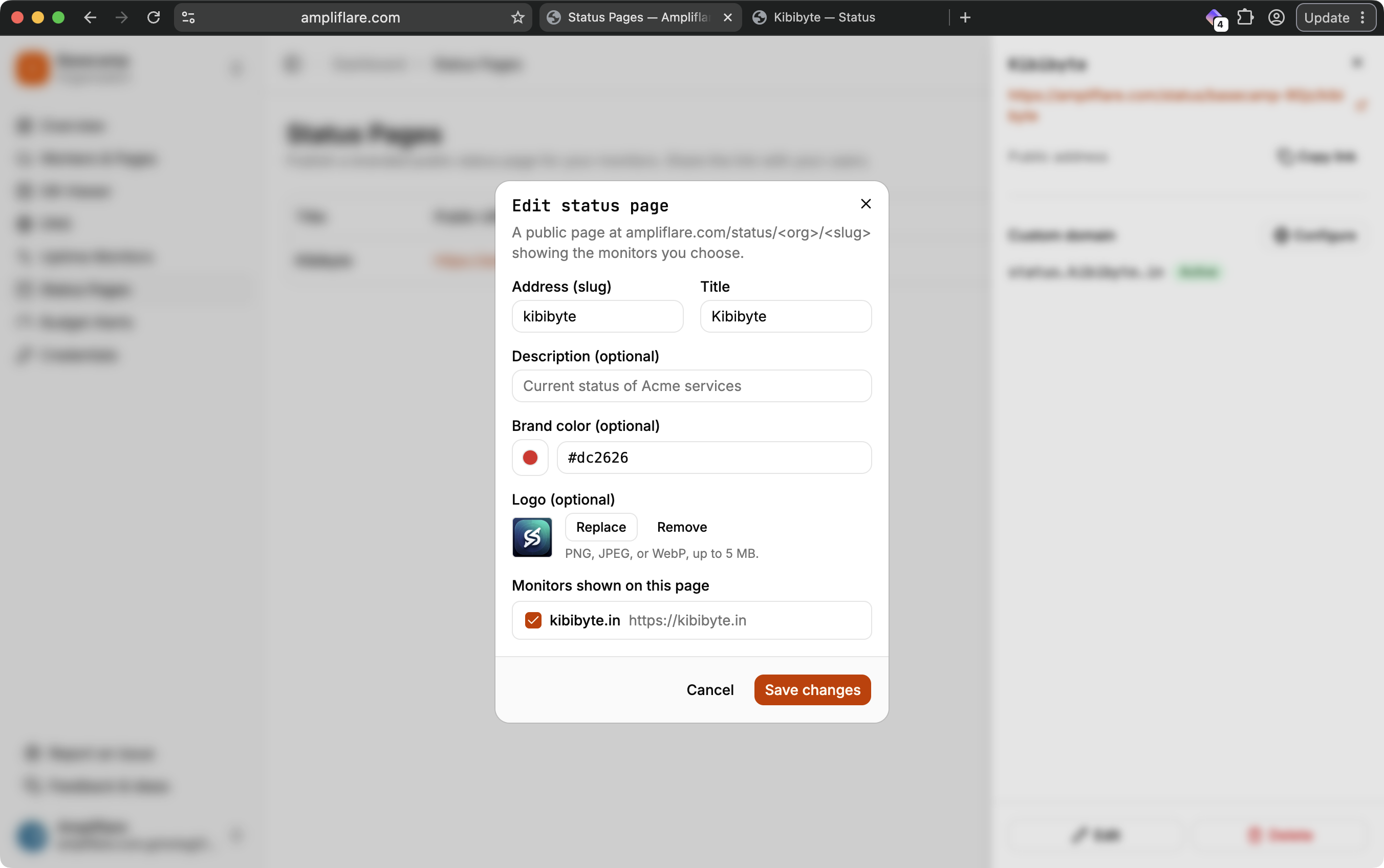
The status page editor, with fields for the slug, title, description, brand colour and logo, and a checklist of monitors to show

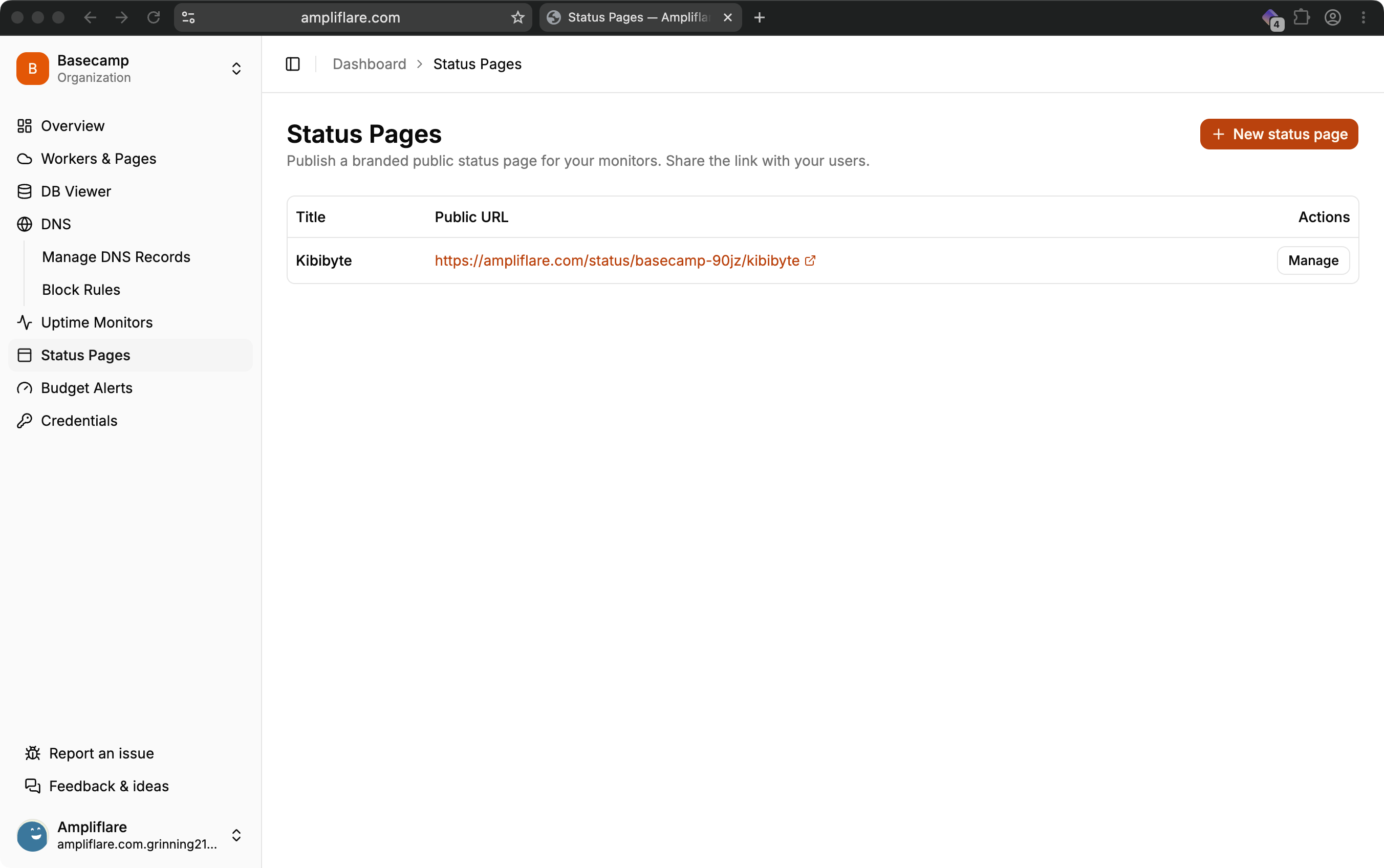
The Status Pages dashboard listing each published page with its public URL and a Manage action

Custom domains

Serve your status page on your own domain — for example status.yourcompany.com. Ampliflare provisions the domain and its TLS certificate on our side, so this needs no permissions on your Cloudflare token; you just point a CNAME at us.
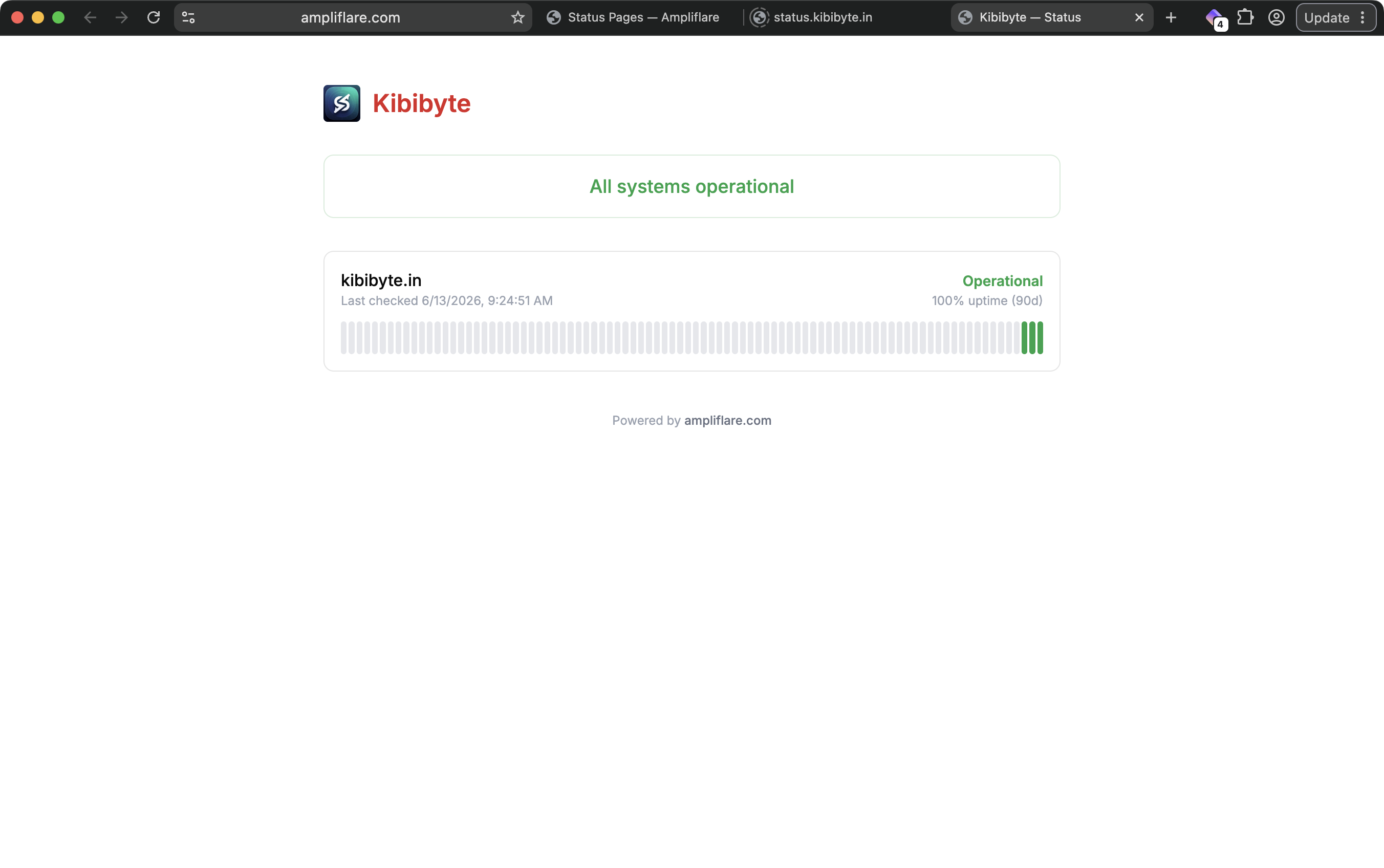
A published status page on a custom domain, showing the branded logo, an "All systems operational" banner, and per-component uptime

Plans

PlanStatus pagesBranding
Starter1
Lite3
Pro10

Why we built this

We've spent years shipping production systems on the Cloudflare stack. We love the edge, but got tired of waiting on features and scripting around the rough edges just to operate day to day. Ampliflare began as the internal tooling we built to fix that, and we turned it into a product so you can skip the friction and focus on shipping.

The Ampliflare Team

Get started for free