
 ampliflare
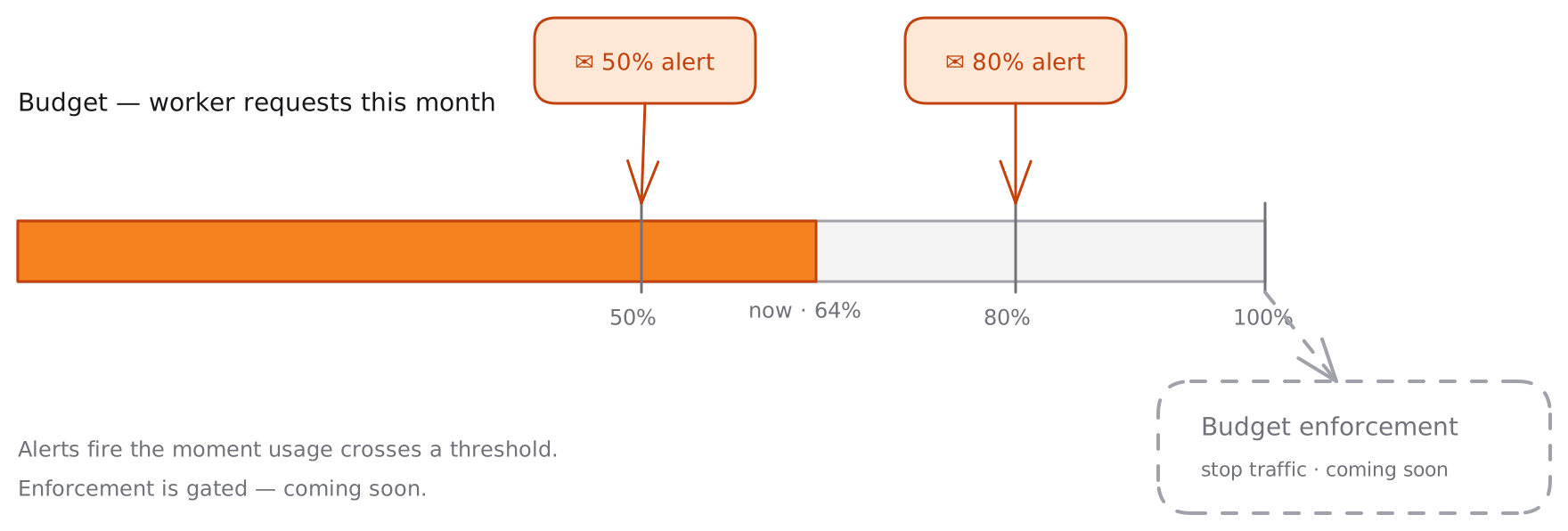
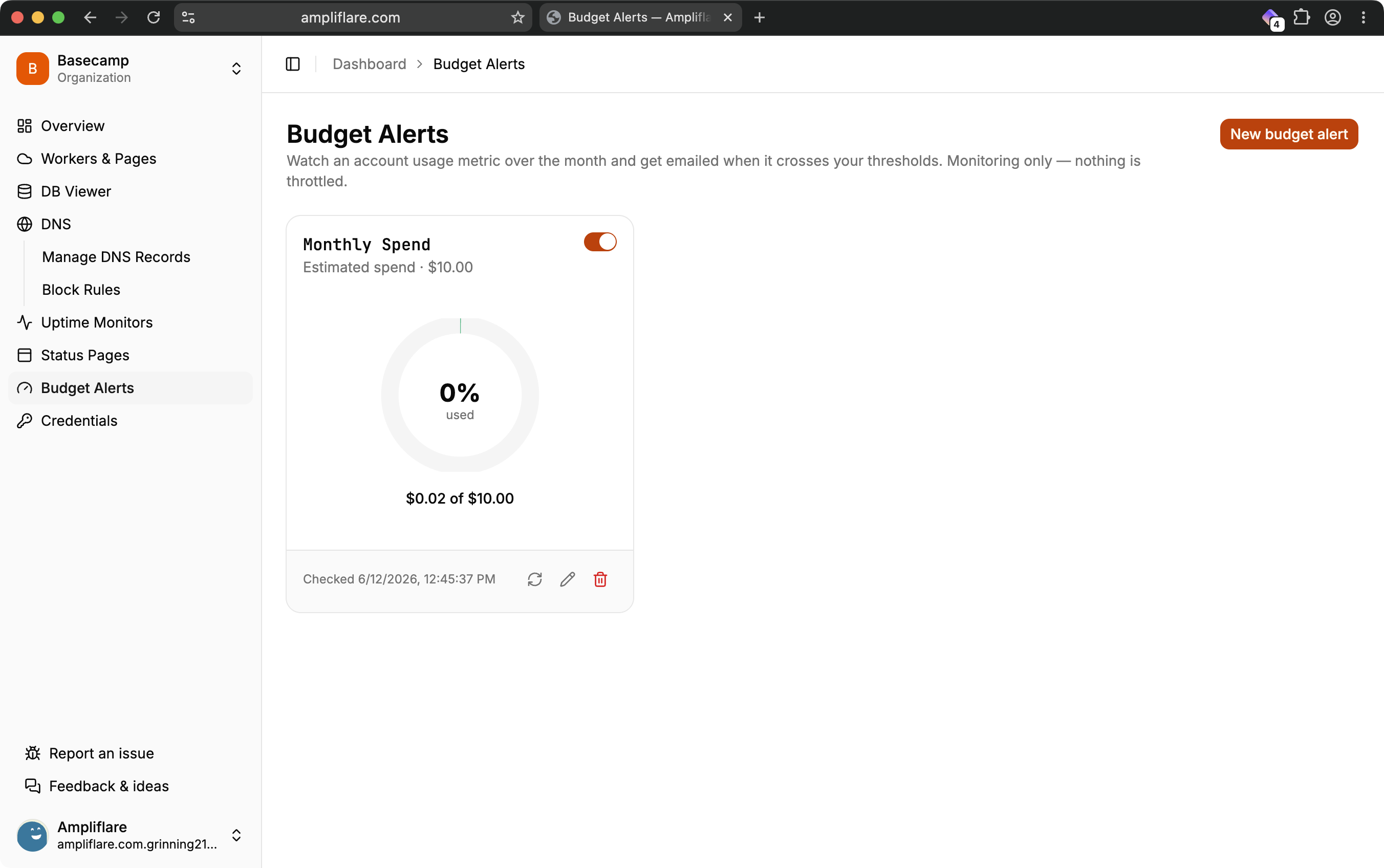
Keep an eye on your Cloudflare spend without checking the dashboard. Ampliflare watches an account-level usage metric across the month and emails you the moment it crosses a threshold you set.
How it works
Set a budget — say a monthly request or spend ceiling — and Ampliflare samples your usage on a schedule. As the running total crosses your thresholds (50%, 80%, and 100% by default), it sends one email per threshold, per month, to your alert contacts. No duplicate spam: each threshold fires once per billing period.
Plan cadence
Higher plans check your usage more often, so alerts land sooner:
| Plan | Usage checked every |
|---|---|
| Starter | 15 minutes |
| Lite | 10 minutes |
| Pro | 5 minutes |
Once a threshold is crossed, an alert typically lands within minutes of the next check.
Coming soon
- Budget enforcement — automatically stop traffic at the edge when you hit your ceiling, so an attack or runaway loop can’t run up a surprise bill.
- Anomaly detection — flag unusual spikes before they reach a threshold.
These are on the roadmap; today’s budgets are monitoring and alerts only.
What you’ll need
A token with Account → Account Analytics → Read so Ampliflare can read your usage. See Connect your Cloudflare account.