
 ampliflare
Inspect your D1 databases right from the dashboard — no CLI, no local setup. Browse tables, run read-only queries, and see exactly what’s in your data.
Database viewer
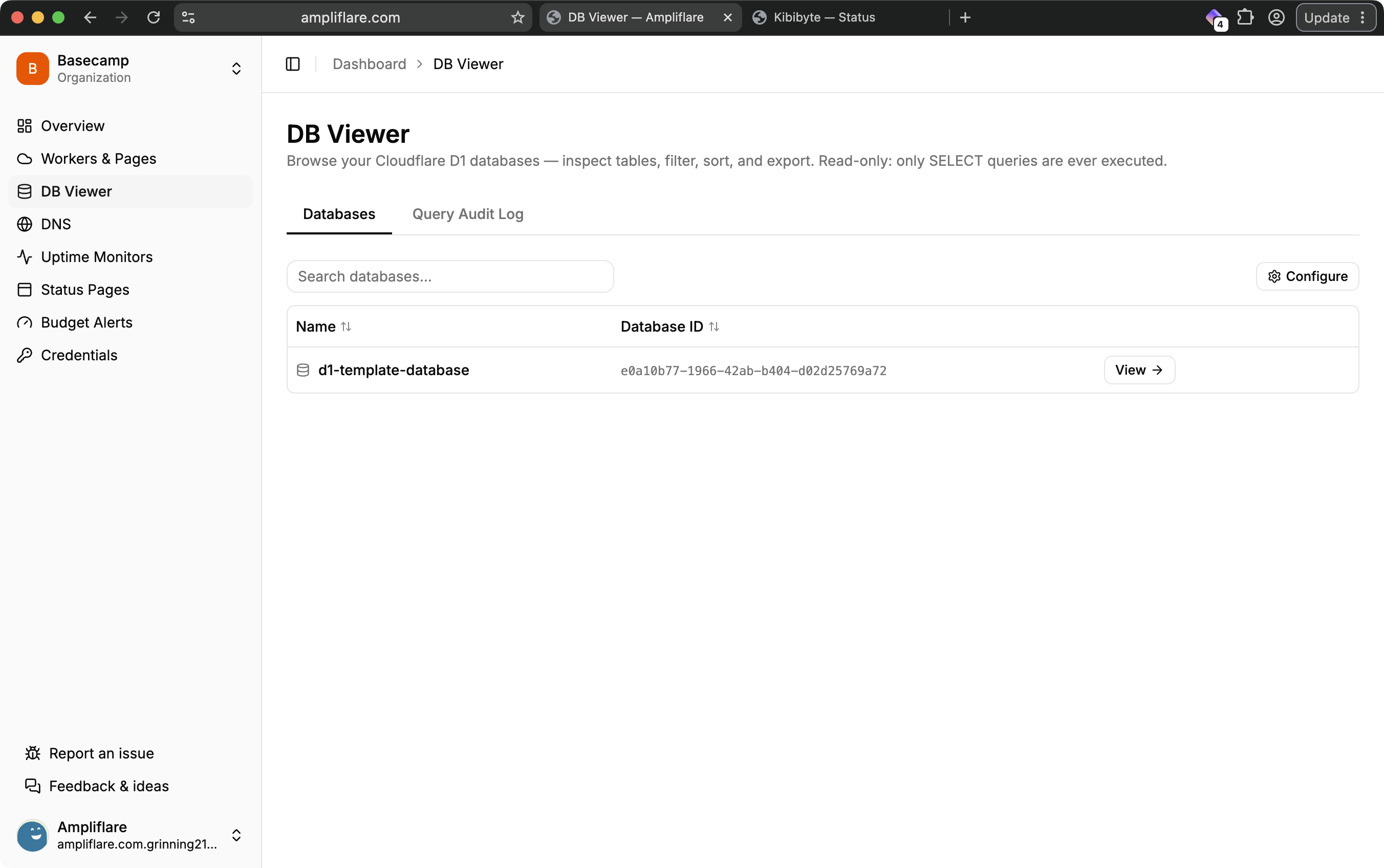
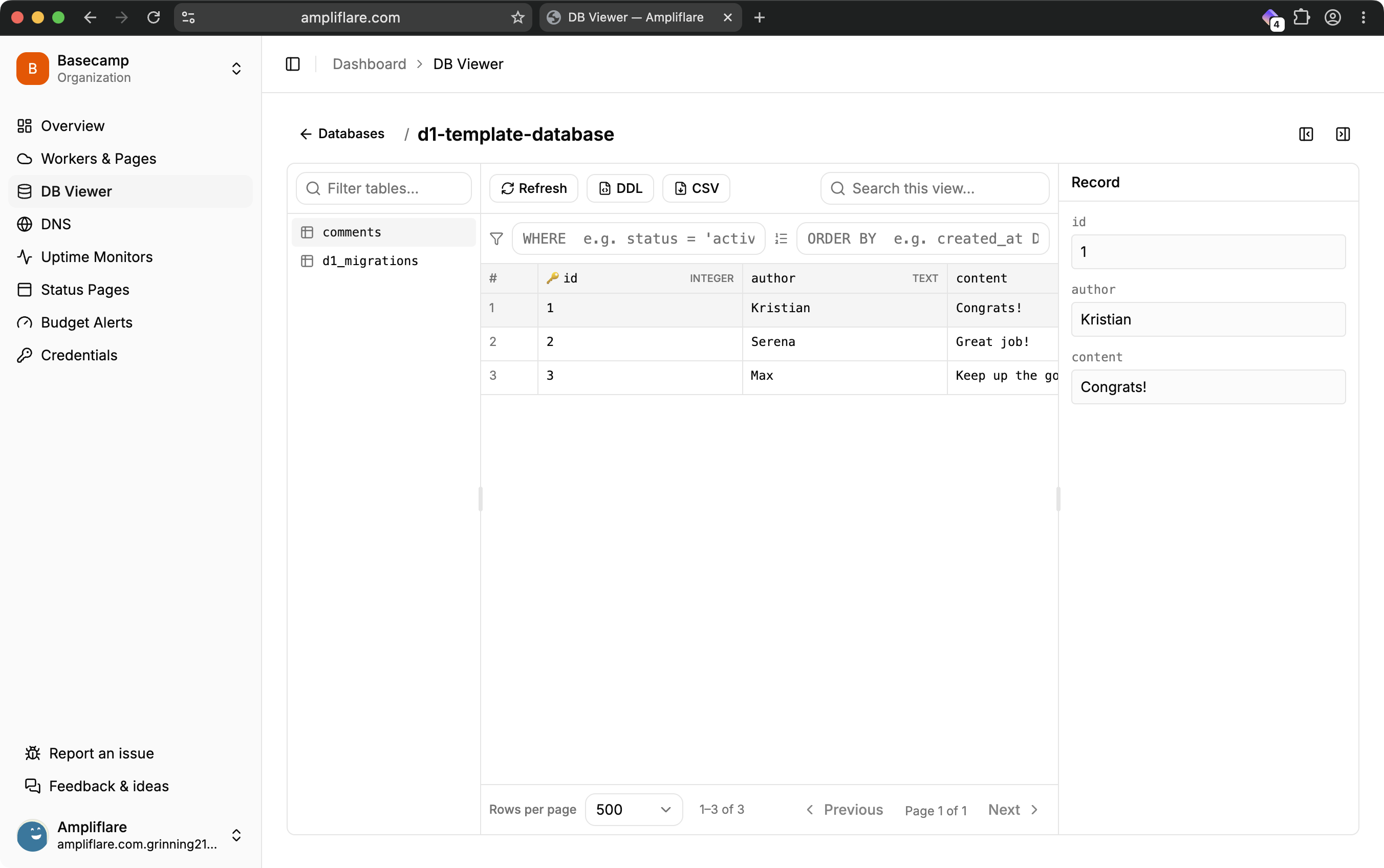
Pick a D1 database and browse its tables and views. For each table you can:
- Page through rows, with filtering and sorting.
- Inspect column metadata — types, primary keys, and defaults.
- View the table’s schema (DDL), and export rows to CSV.
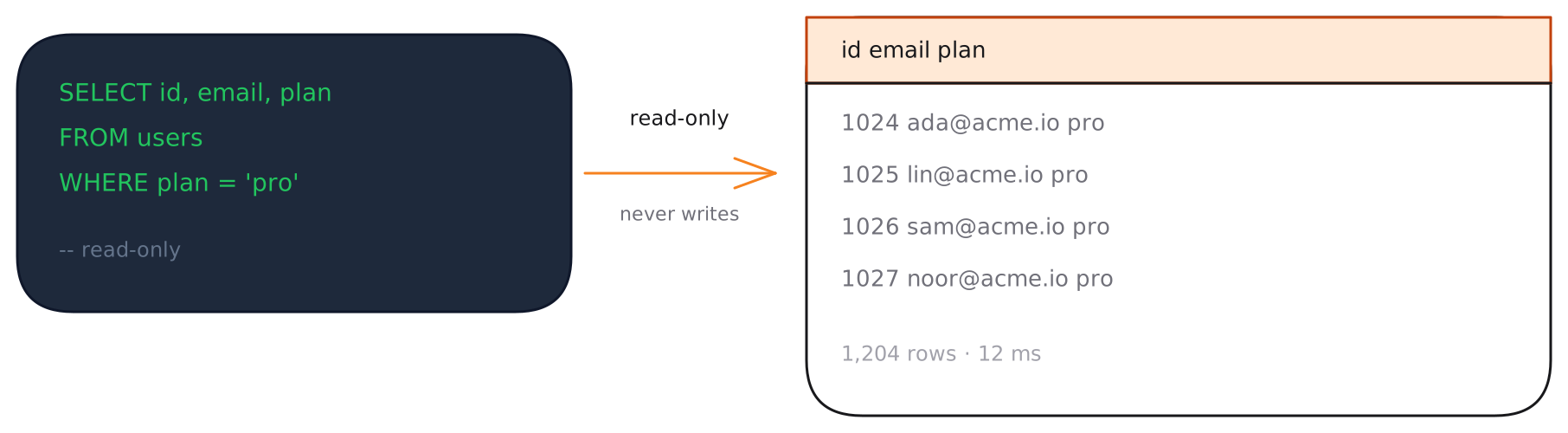
Read-only by design
The viewer only ever runs SELECT queries — it cannot insert, update, or delete data. That’s enforced in Ampliflare regardless of what your Cloudflare token allows, so browsing production data is always safe.
Query audit log
On the Pro plan, every query you run is recorded in an audit log, so you have a full history of who looked at what.
Backups & R2 (coming soon)
Soon you’ll be able to back up your databases to your own R2 bucket — you bring the bucket, Ampliflare handles the export — and manage R2 buckets directly from the dashboard, including large uploads and S3-compatible keys. These are landing in the coming weeks.
Plan limits
The number of databases you can track depends on your plan:
| Plan | Tracked databases | Query audit log |
|---|---|---|
| Starter | 5 | — |
| Lite | 10 | — |
| Pro | 25 | ✓ |
What you’ll need
A token with Account → D1 → Edit for the viewer. (When backups ship, you’ll also add Account → Workers R2 Storage → Edit.) See Connect your Cloudflare account.