
 ampliflare
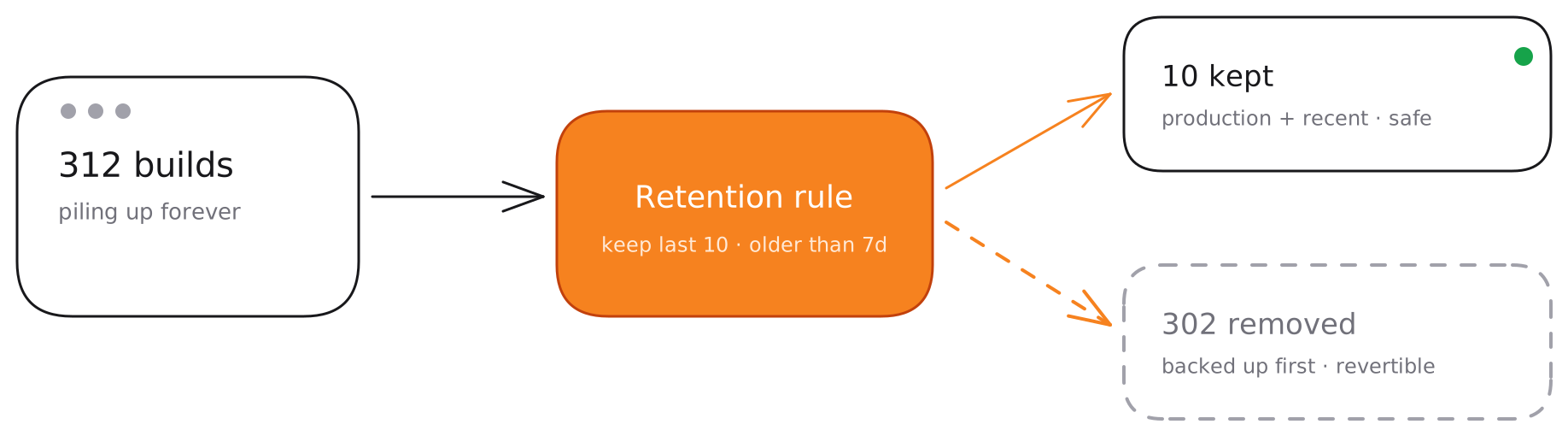
Cloudflare keeps every Workers and Pages deployment you’ve ever pushed — forever. Over time that’s hundreds of stale builds cluttering your dashboard. Ampliflare prunes the old ones on a schedule so your projects stay tidy, without you ever having to remember to do it.
How it works
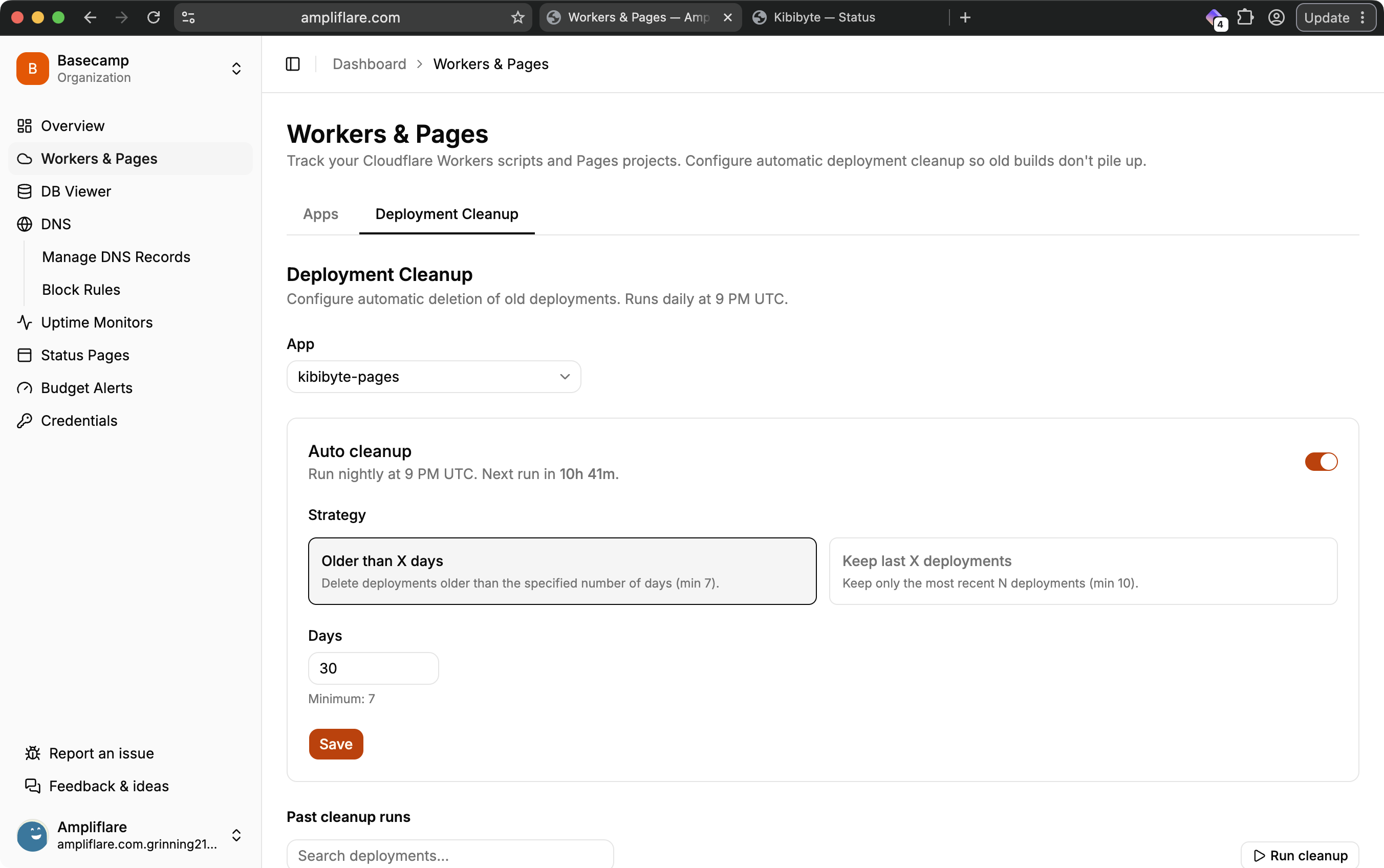
Pick the apps you want Ampliflare to look after, choose a strategy, and set a schedule. From then on, cleanup runs in the background and you’ll see a log of every run.
Strategies
Choose whichever fits how you ship:
- Keep last N — retain the most recent
Ndeployments per project and remove the rest. - Older than N days — remove any deployment older than a set number of days.
Your live site is never at risk
Cleanup is deliberately conservative. A deployment is protected from deletion when it is:
- The current production deployment,
- Serving any live traffic or attached to an active alias, or
- Still building or rolling out.
On top of that, Ampliflare always keeps a safety floor of the 10 most recent deployments per project, and writes a full backup to the audit log before removing anything — so any run can be reviewed and rolled back.
Scheduling
Scheduled cleanup is available on the Lite and Pro plans. On the Starter plan you can run cleanup manually whenever you like.
Plan limits
The number of Workers & Pages apps you can track depends on your plan:
| Plan | Tracked apps |
|---|---|
| Starter | 5 |
| Lite | 10 |
| Pro | 25 |
What you’ll need
A token with Account → Workers Scripts → Edit (for Workers) and Account → Cloudflare Pages → Edit (for Pages). See Connect your Cloudflare account.